How to set the Microsoft Teams meeting signature logo
When you try to schedule a new Teams meeting inside Microsoft Outlook, you notice that the Teams meeting signature image is not shown properly, as depicted in the following screenshot.
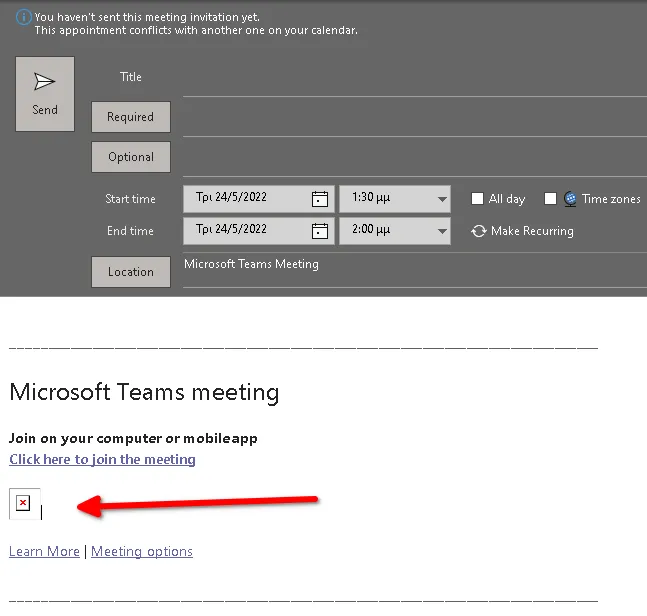
This post provides a step-by-step procedure on how to set the Microsoft Teams meeting signature logo.
Solution
Section titled “Solution”In most situations the reason for the Microsoft Teams meeting signature logo not showing properly is that the URL pointing to the link is malformed or the URL link is dead. You can set up the default Teams meeting logo from the following section of the Teams administration portal.
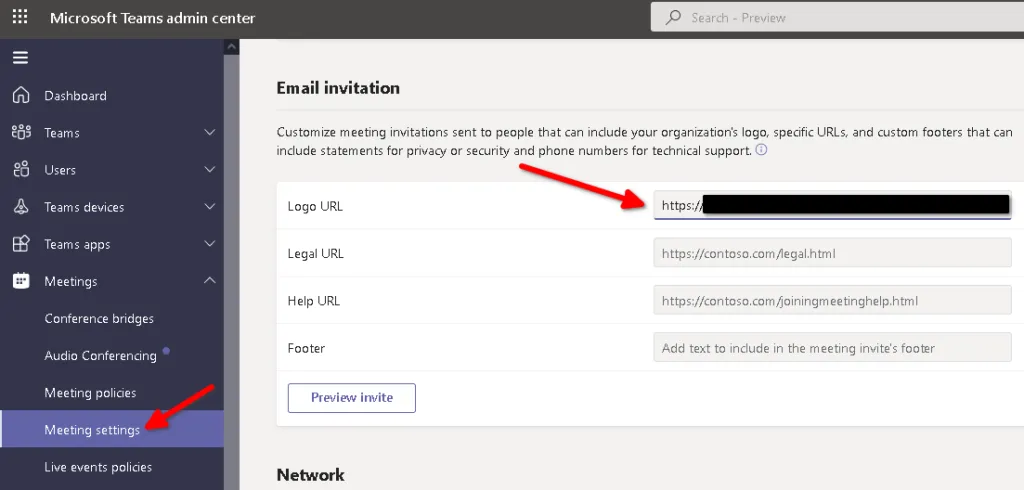
You can also optionally add a legal URL, a help URL and a Teams meeting footer text, either as plain text or in HTML format. You should first preview the final aesthetic outcome of the Teams meeting signature and then commit changes server-side.
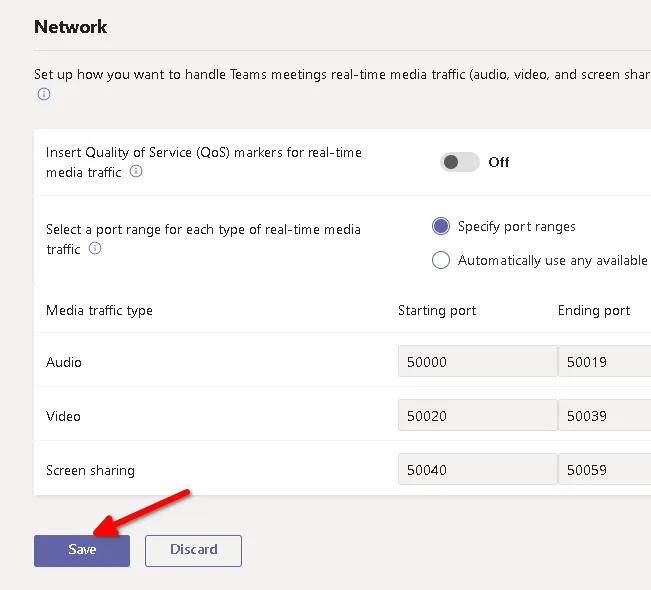
After completing changes in the above configuration section, click on Save at the bottom of the page.
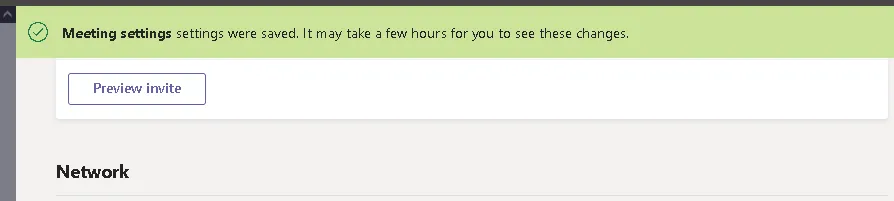
You should receive an invitation that changes may take up to a few hours to become effective. You should restart Outlook and try creating a new Microsoft Teams meeting invitation to confirm the changes.
This KB article provided guidance on how to set the Microsoft Teams meeting signature logo.
4. TRACE-AI Execution Workflow
Section titled “4. TRACE-AI Execution Workflow”- Triage: Review monitoring dashboards or error metrics for initial anomaly spikes or timeout signatures.
- Record Evidence: Export service diagnostic logs, event viewers, or failure traces.
- Analyze: Correlate error signatures against known infrastructure or configuration limits.
- Correlate: Match active incident timeline against recent deployments or scale events.
- Execute & Verify: Apply corrective remediation steps and verify telemetry baseline recovery.
5. Vendor Documentation & Validation Guardrails
Section titled “5. Vendor Documentation & Validation Guardrails”- Authority Reference: Cross-reference configuration changes against official vendor documentation.
- Validation Gate: Require staging environment testing and Human-in-the-Loop SME approval before production changes.