How to run the Microsoft certification exam sandbox
As part of the revamped Microsoft Learn website, Microsoft offers the Exam Sandbox application, so that new Microsoft certification exam taker can demo the actual exam experience.
Follow the steps below to run the Microsoft certification exam sandbox.
- In your Web browser navigate to https://aka.ms/examdemo.
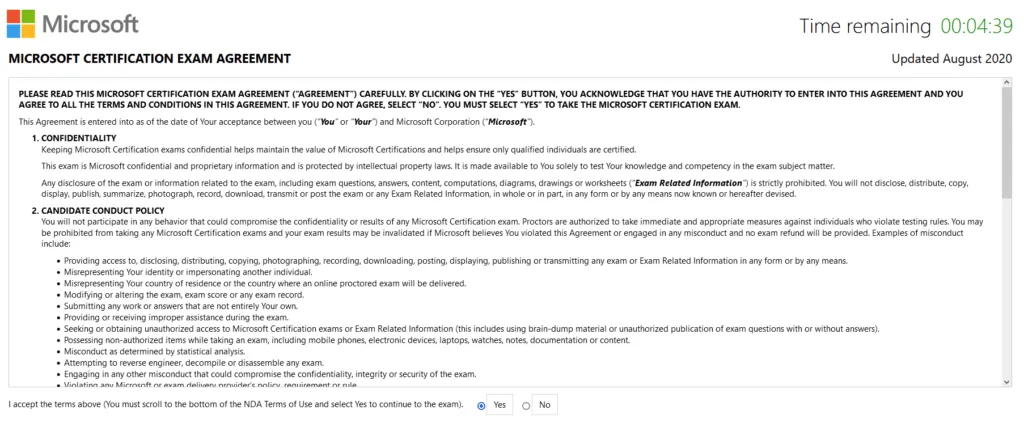
- Click Yes to accept the terms on the first page and click Next to continue. You have 5 minutes to evaluate the Microsoft certification exam experience.
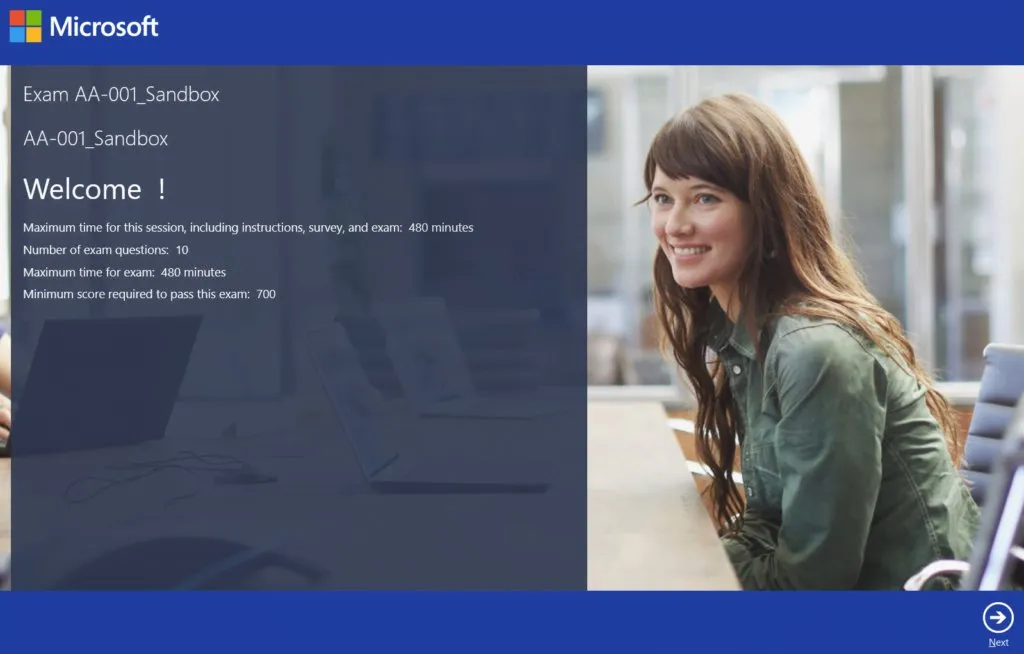
- Click Next again to continue with the sandbox.
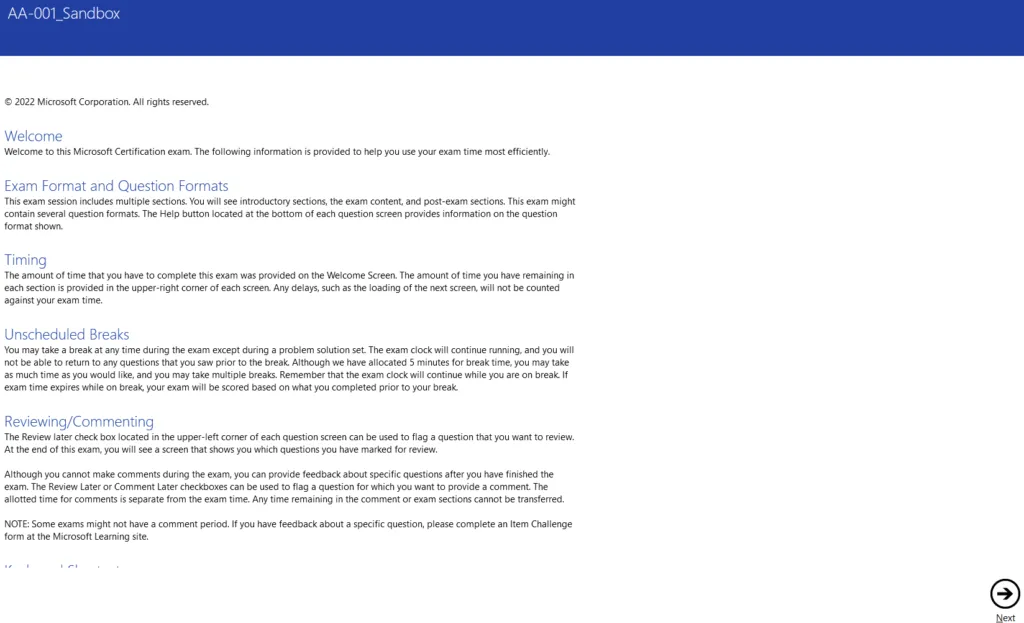
- You find sample information about the exam format and structure. Click Next to continue.
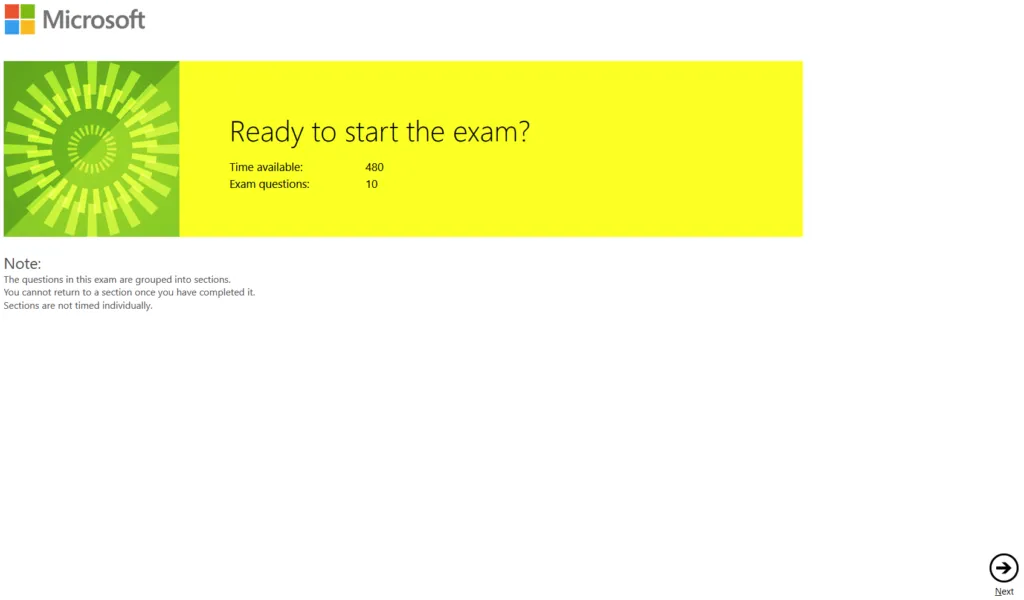
- On the “Ready to start the exam?” page, click Next to continue.
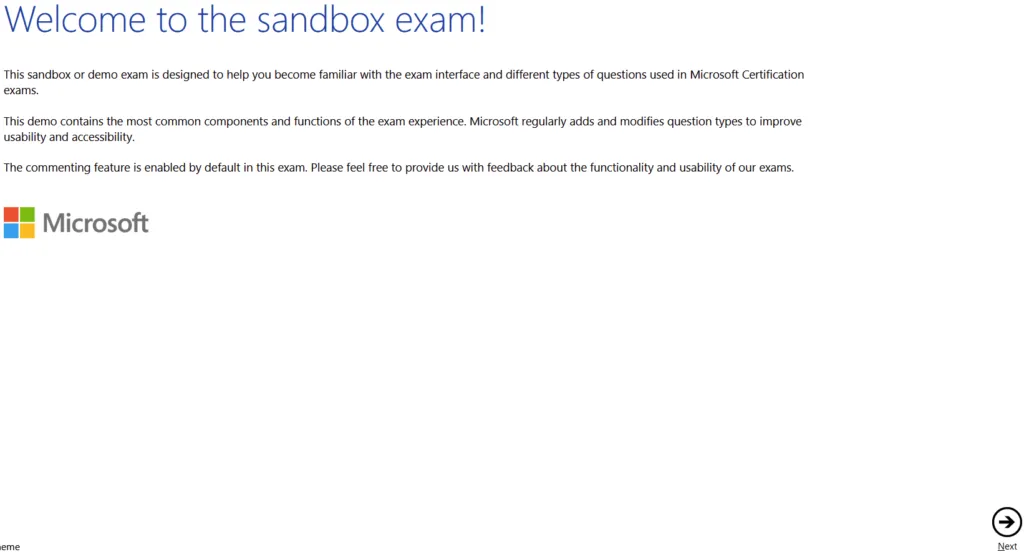
- On the “Welcome to the sandbox exam!” page, click Next to continue.
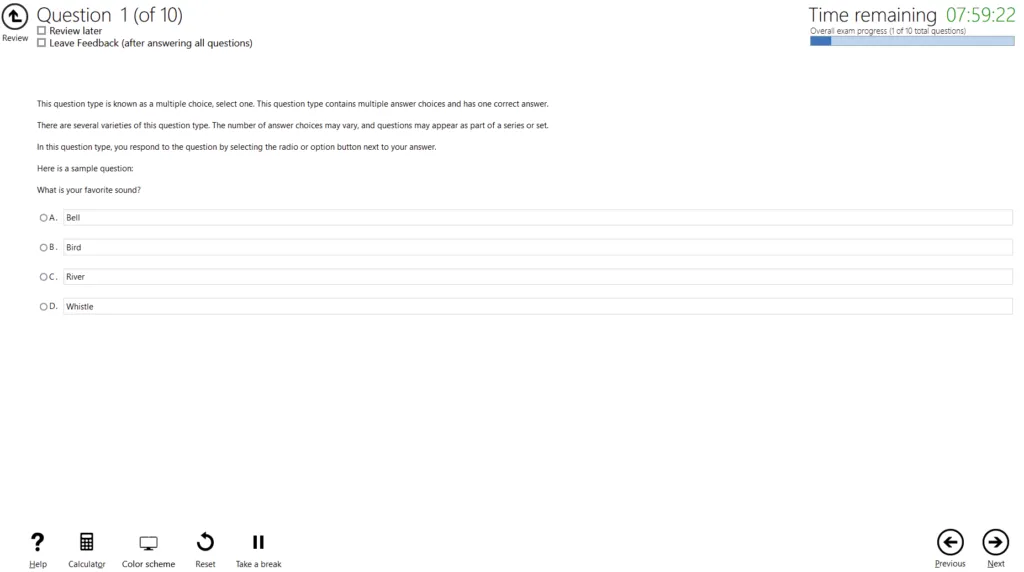
- Complete each question type and click Next or Previous.
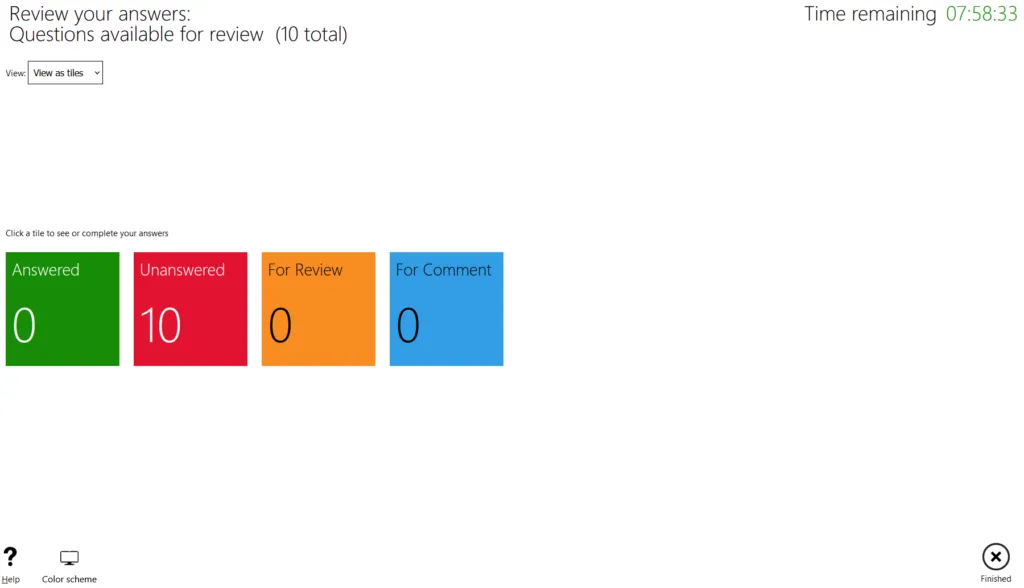
- On the “Review your answers” page, review all provided answers before hitting “Finished”.
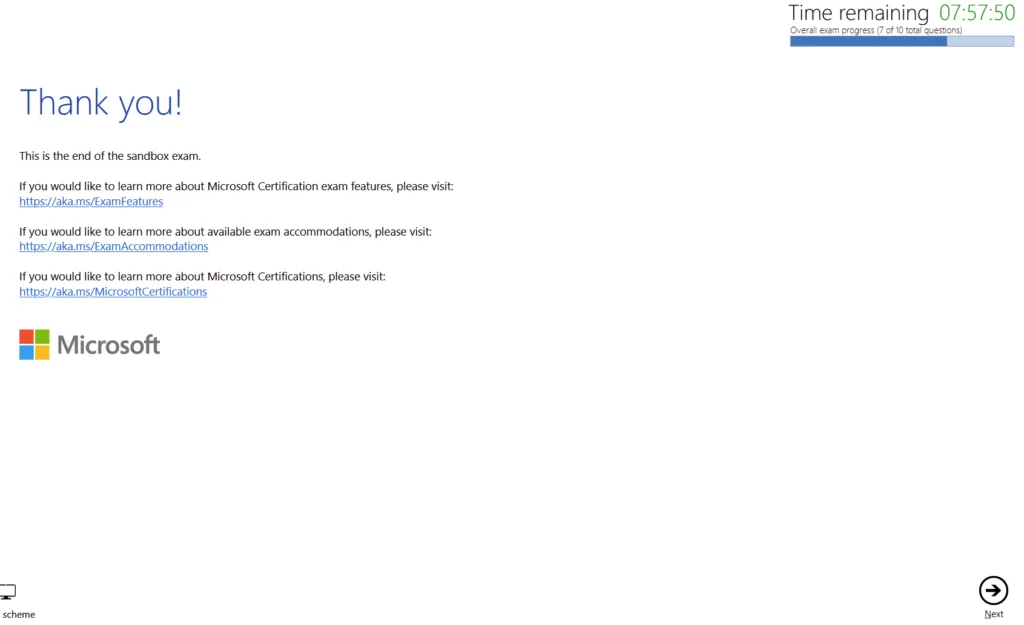
- Click “Finished” to end your sandbox exam.
4. TRACE-AI Execution Workflow
Section titled “4. TRACE-AI Execution Workflow”- Triage: Review monitoring dashboards or error metrics for initial anomaly spikes or timeout signatures.
- Record Evidence: Export service diagnostic logs, event viewers, or failure traces.
- Analyze: Correlate error signatures against known infrastructure or configuration limits.
- Correlate: Match active incident timeline against recent deployments or scale events.
- Execute & Verify: Apply corrective remediation steps and verify telemetry baseline recovery.
5. Vendor Documentation & Validation Guardrails
Section titled “5. Vendor Documentation & Validation Guardrails”- Authority Reference: Cross-reference configuration changes against official vendor documentation.
- Validation Gate: Require staging environment testing and Human-in-the-Loop SME approval before production changes.