How to register for a free account in Oracle Cloud Infrastructure
This KB article provides step-by-step guidance on how to register for a free account in Oracle Cloud Infrastructure.
Solution
Section titled “Solution”Oracle Cloud Infrastructure offer a free tier. The free tier offers the following benefits:
- Eligible free services, as listed at https://www.oracle.com/cloud/free/#free-cloud-trial. Some of these cloud services are always free and some are trial for 30 days.
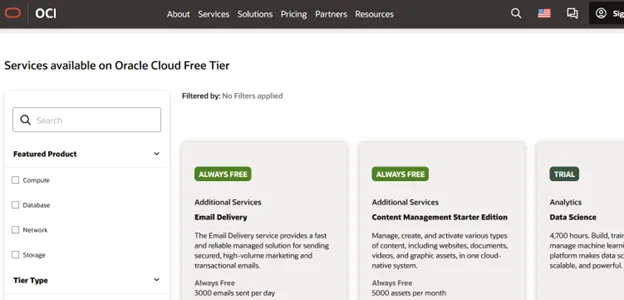
- Start with a US$300 cloud credit. You’ll have 30 days to use it—in addition to Always Free services.
Use your Always Free services as long as you want with no time constraints—subject only to the capacity limits noted. When your 30-day trial period for the expanded set of services ends, you can continue using Always Free services with no interruption. Always Free and 30-day trial instances can be seamlessly upgraded to paid at any time. Existing Oracle Cloud customers have access to Always Free services automatically—no new sign-up required. To register for an OCI account, carry out the steps below.
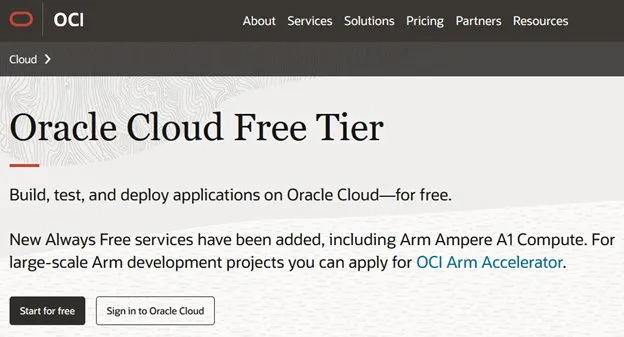
Navigate to https://www.oracle.com/cloud/free and click on “Start for free”.
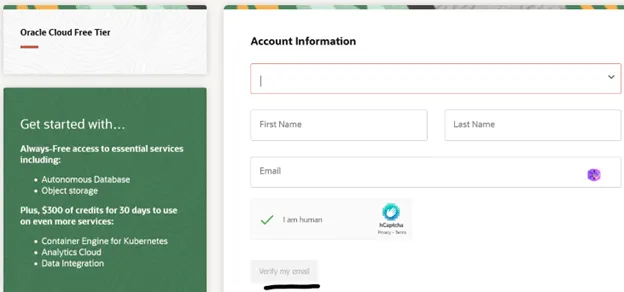
Provide your account information and click on “Verify my email”.
Open your mailbox to click on the verification link sent by the OCI cloud mailer. Afterwards continue with your account setup.
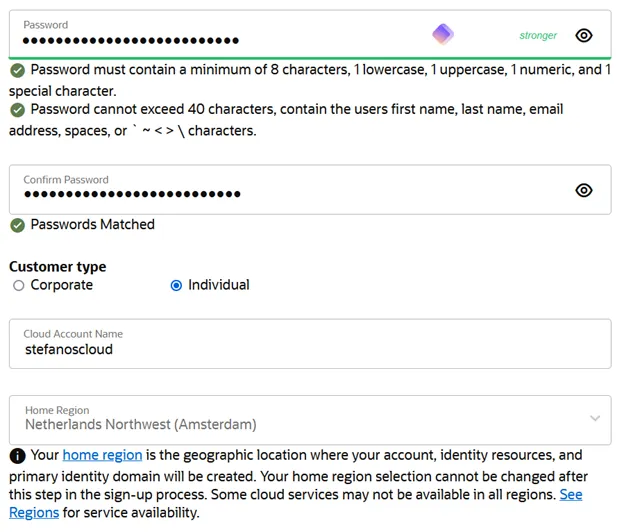
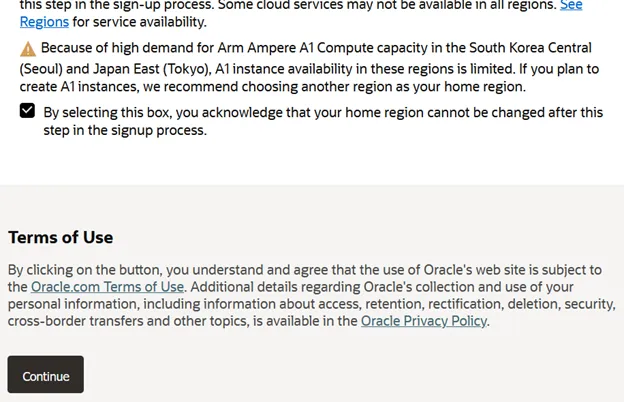
Provide your password, account type, account name and home region and click “Continue” after reading the terms of use.
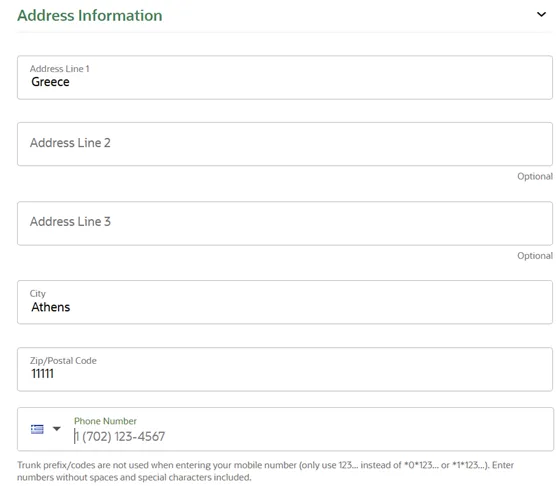
Provide your postal address and contact information and click “Continue”.
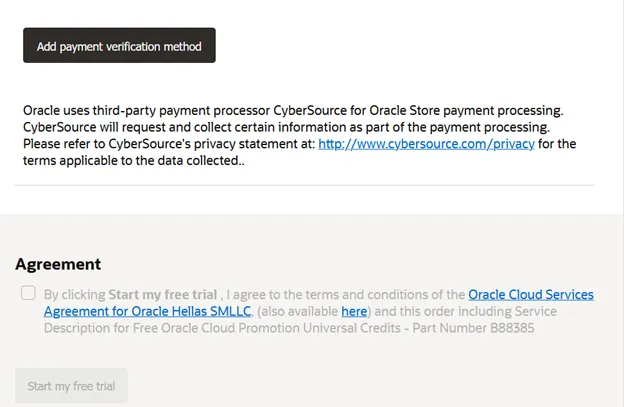
Now click on “Add payment verification method”, to proceed with providing a credit/debit card to OCI.
Click on “Credit card” option.
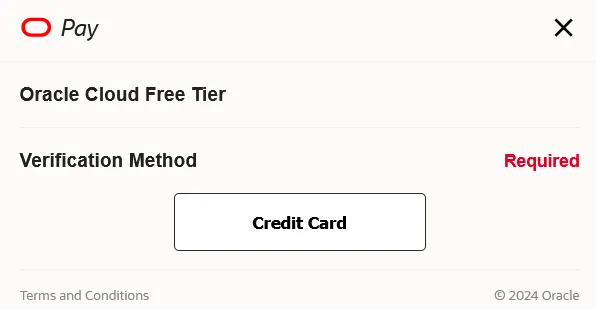
Provide your credit card details and click “Pay”.
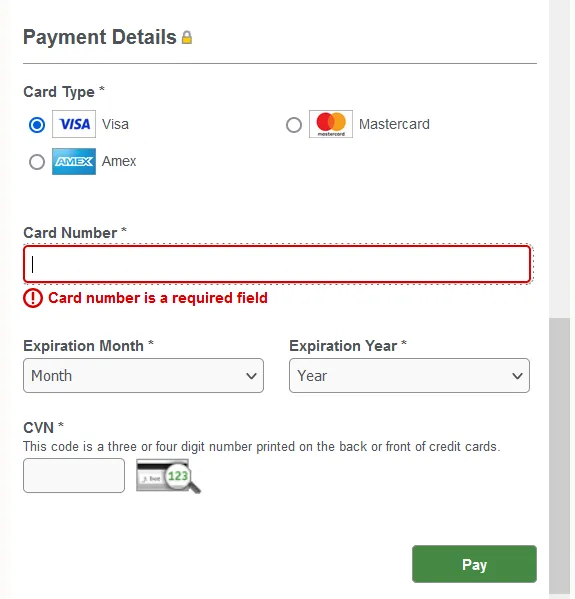
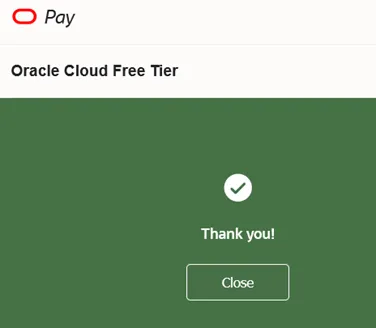
Upon successful payment verification, you should be able to proceed with your OCI account.
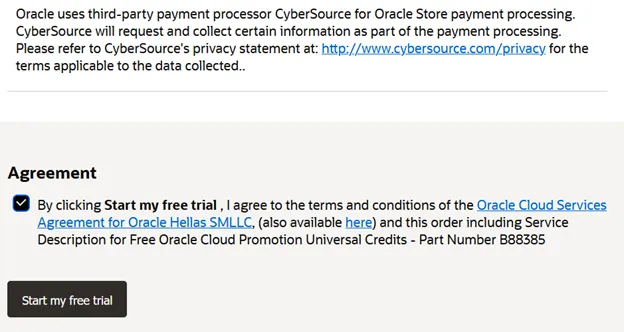
Click on “Start my free trial”.
4. TRACE-AI Execution Workflow
Section titled “4. TRACE-AI Execution Workflow”- Triage: Review monitoring dashboards or error metrics for initial anomaly spikes or timeout signatures.
- Record Evidence: Export service diagnostic logs, event viewers, or failure traces.
- Analyze: Correlate error signatures against known infrastructure or configuration limits.
- Correlate: Match active incident timeline against recent deployments or scale events.
- Execute & Verify: Apply corrective remediation steps and verify telemetry baseline recovery.
5. Vendor Documentation & Validation Guardrails
Section titled “5. Vendor Documentation & Validation Guardrails”- Authority Reference: Cross-reference configuration changes against official vendor documentation.
- Validation Gate: Require staging environment testing and Human-in-the-Loop SME approval before production changes.