How to perform hardware health checks in Ubuntu Linux
You have a Linux machine and you need to perform hardware diagnostics on it. This article provides how-to guidance on how to perform hardware health checks in Ubuntu Linux. The process should be very similar in any other Linux distribution, such as Redhat, CentOS, Fedora, Debian and SuSe.
If you are interested in guidance on how to perform hardware health checks in Windows, refer to the following KB article: https://docs.cloudschool.ai/kb/how-to-perform-hardware-health-checks-in-windows/
Solution
Section titled “Solution”Carry out the following steps to perform hardware health checks in Ubuntu Linux.
- First off, install the hardinfo Linux package to run the hardinfo tool which retrieves full information about the Linux machine hardware.
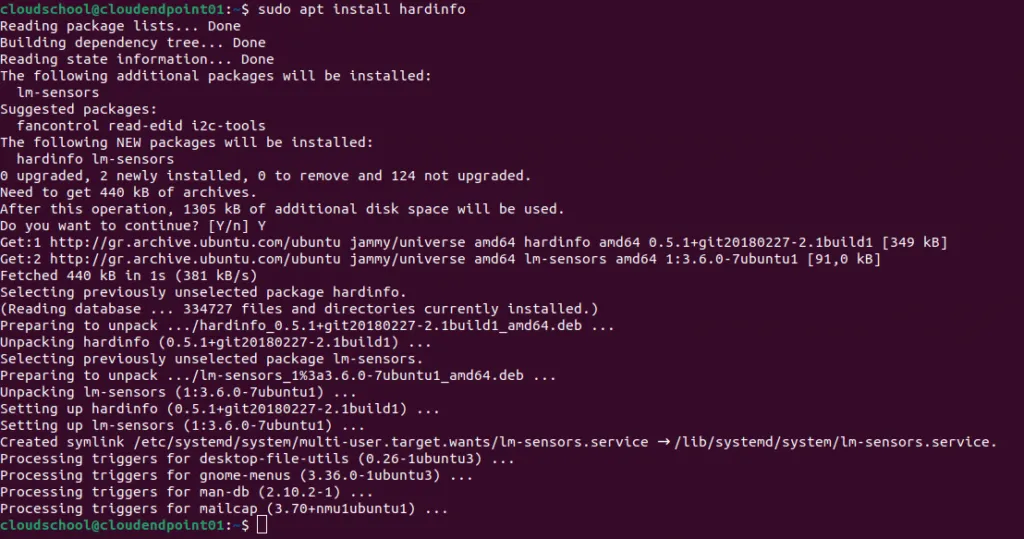
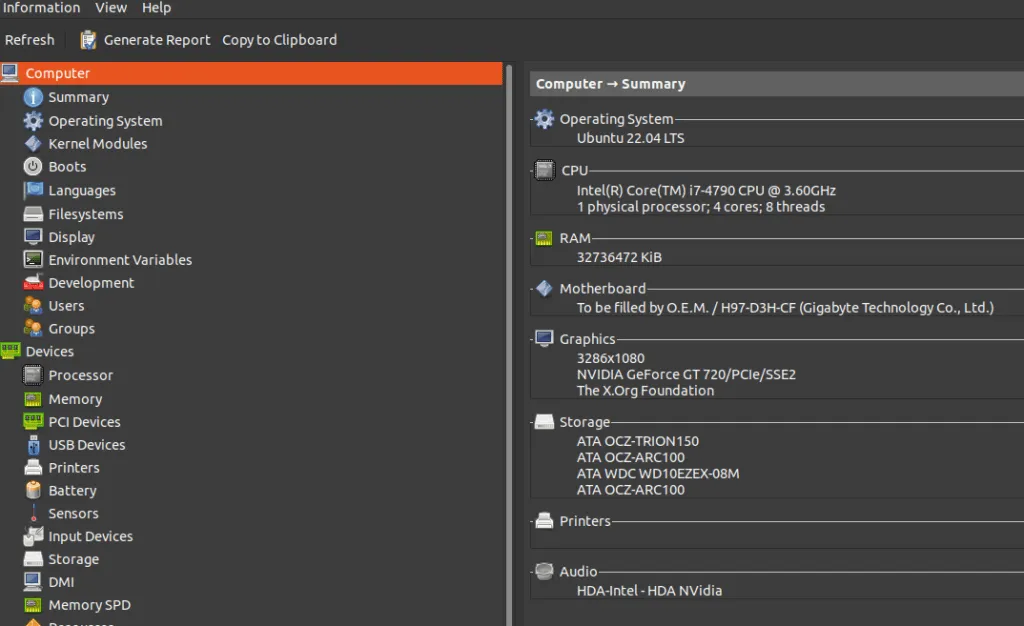
- Run the following hardware diagnostic commands in a Linux terminal as super user.
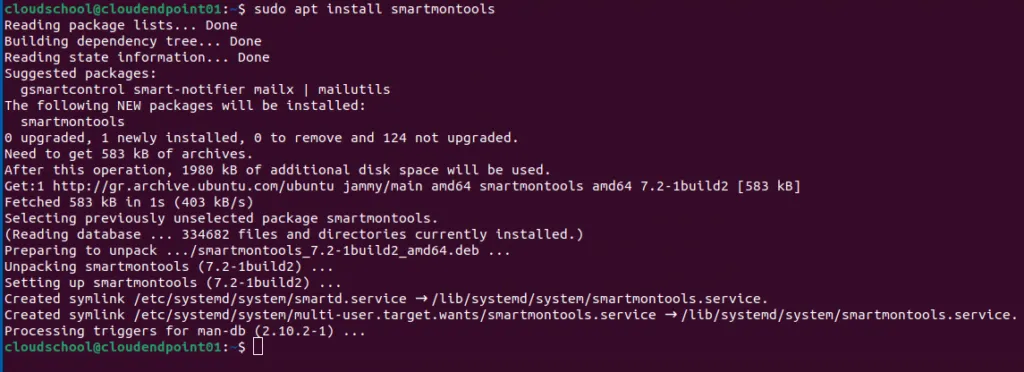
lshw | more#SmartCTL requires the smartmontools package presented belowsmartctl- Install the smartmontools package
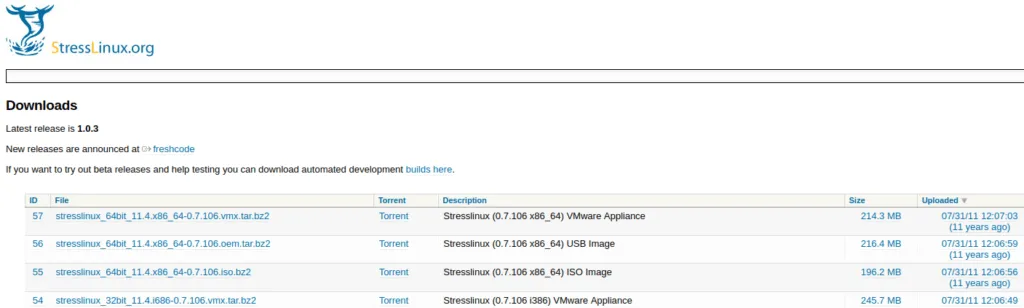
- Download and boot from the StressLinux distribution. Documentation is available at https://www.stresslinux.org/sl/wiki/Documentation.
- Thoroughly review all major Linux operating system logs, as described in the following article: https://ubuntu.com/tutorials/viewing-and-monitoring-log-files#2-log-files-locations.
- Consider the use of a bootable iso, which includes various utilities for both Windows and Linux hardware diagnostics.
- Consider the following hardware diagnostic software from the official Linux application marketplaces or individual repositories.
4. TRACE-AI Execution Workflow
Section titled “4. TRACE-AI Execution Workflow”- Triage: Review monitoring dashboards or error metrics for initial anomaly spikes or timeout signatures.
- Record Evidence: Export service diagnostic logs, event viewers, or failure traces.
- Analyze: Correlate error signatures against known infrastructure or configuration limits.
- Correlate: Match active incident timeline against recent deployments or scale events.
- Execute & Verify: Apply corrective remediation steps and verify telemetry baseline recovery.
5. Vendor Documentation & Validation Guardrails
Section titled “5. Vendor Documentation & Validation Guardrails”- Authority Reference: Cross-reference configuration changes against official vendor documentation.
- Validation Gate: Require staging environment testing and Human-in-the-Loop SME approval before production changes.