How to find web hosting information for any published website
You need to find out web hosting information about a published website as well as extract information about the software technologies used in a website. This article provides guidance on how to find web hosting information for any published website, such as web server version, web hosting provider, dns provider and domain registrar.
Solution
Section titled “Solution”Carry out the following steps to find web hosting information for any published website.
- First off, you need to extract information about the website’s domain name registrar and authoritative DNS servers, i.e. the DNS service provider.
- You should identify the web hosting provider company of the website in question. This analysis will also provide the IP subnet address information and possibly the datacenter and network ASN number of the web server’s IP in question.
- To find out about the software development platform on which the website has been developed (custom vs. content management system) open the website homepage and in your browser choose to open the page source. In Firefox browser you can accomplish this by right-clicking anywhere on the website’s pages and then clicking “View Page Source”. Inside the page source (HTML5) you should be able to manually search for the most common Content Delivery Systems (CMS), such as Wordpress, Drupal or Joomla. One such example is shown below. If you find at least one occurrence of any of these keywords, then you will know that the website is built on that CMS. If you dont find any of these CMS keywords, you should still be able to find out the source software development technology, such as for example .NET, PHP or Python.

- To find out if there are additional network perimeter security and Web application acceleration tools deployed in front of the website, you will need to manually examine the TCP/IP headers of incoming packets from the website’s server by using a packet sniffing tool, such as Wireshark. These tools can be for example a Web Application Firewall (WAF) and a Content Delivery Network (CDN). In some cases you will find that packets are not coming from the web server but rather from an intermediary security and application acceleration device. In cases where the source IP of your website packets is the web server (or web server farm) itself, then you will need to manually inspect.
- To determine any security flaws but also to map/audit the network connectivity of an existing website, you can utilize free network audit and security analysis tools, such as the following.
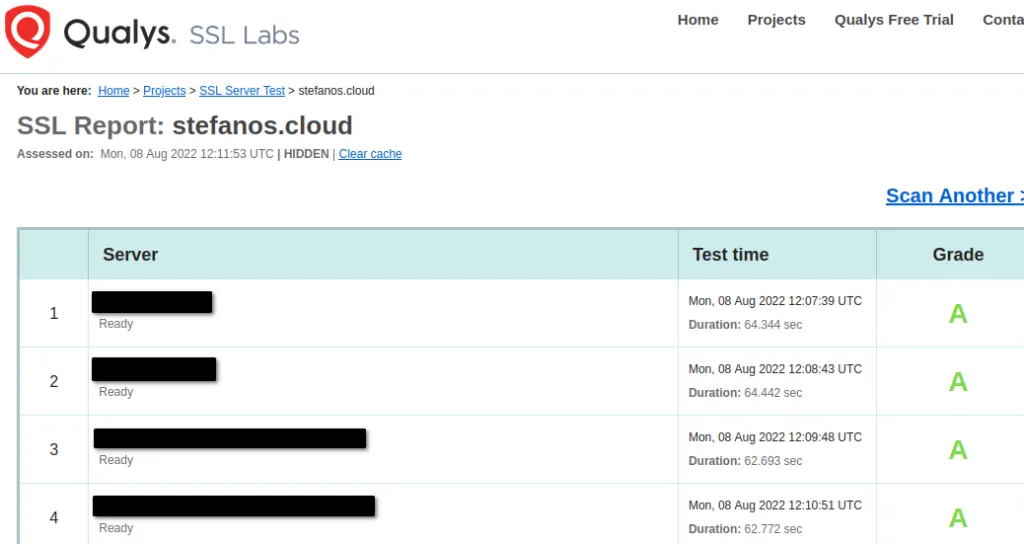
You also run and generate Qualys SSL report against your website’s server, as shown in the example below. This will test all IPv4 and IP6 addresses corresponding to your web server.
You can also employ a third party tool to carry out all the above manual analysis for you. One such example is the Wappalyzer Web-based application. You will need to create a free account to proceed.
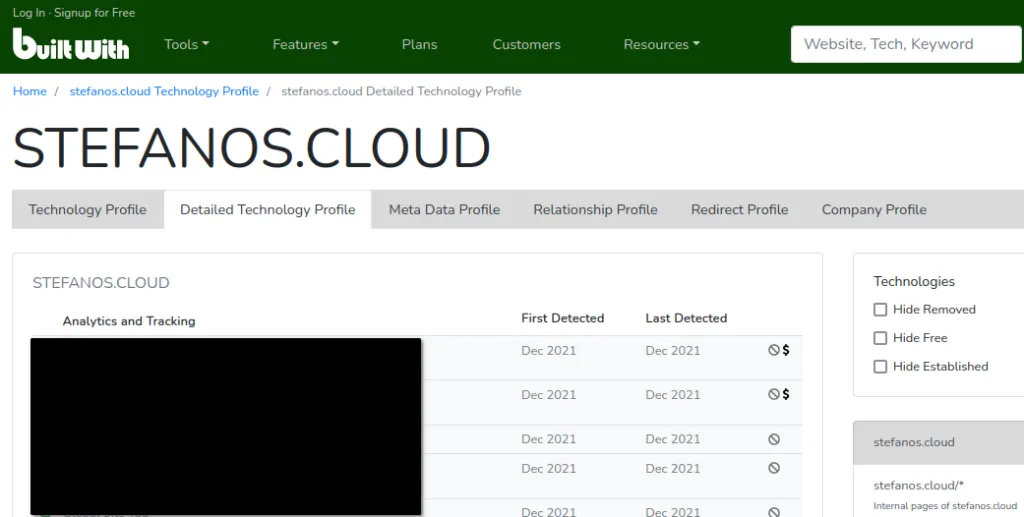
Another similar third party website technology analysis application which provides a thorough report as output is the https://builtwith.com application.
4. TRACE-AI Execution Workflow
Section titled “4. TRACE-AI Execution Workflow”- Triage: Review monitoring dashboards or error metrics for initial anomaly spikes or timeout signatures.
- Record Evidence: Export service diagnostic logs, event viewers, or failure traces.
- Analyze: Correlate error signatures against known infrastructure or configuration limits.
- Correlate: Match active incident timeline against recent deployments or scale events.
- Execute & Verify: Apply corrective remediation steps and verify telemetry baseline recovery.
5. Vendor Documentation & Validation Guardrails
Section titled “5. Vendor Documentation & Validation Guardrails”- Authority Reference: Cross-reference configuration changes against official vendor documentation.
- Validation Gate: Require staging environment testing and Human-in-the-Loop SME approval before production changes.