How to find software lifecycle policy dates for major vendors
Each software vendor provides a lifecycle policy for its products and services. The lifecycle policy dictates until when a product or service is fully supported, including software updates and patches. The software lifecycle policy also determines what is the end date for supporting the software and for providing updates and patches. In some cases there is an extended support period which goes beyond the standard product support period. The date beyond which a product goes out of support is called end of support. The date beyond which a product is fully deprecated and no longer installed or updated is called end of life. This article provides guidance on how to find software lifecycle policy dates for major vendors.
The article provides a few quick hints to assist you in determining the End of Life (EOL), End of Support (EOS) and End of Extended Support (EOES) dates for all major vendor software applications. This article also provides guidance on how to detect and resolve end of life issues in Windows.
Solution
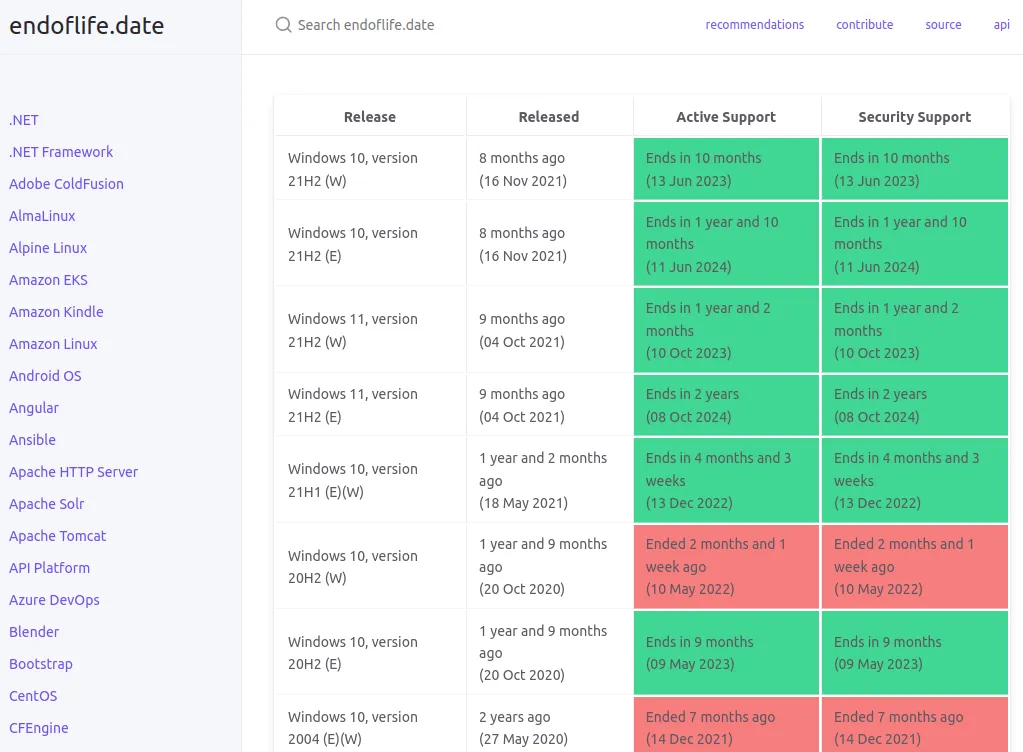
Section titled “Solution”The following website keeps an updated record of the software lifecycle policies of all major software vendors. It provides the EOL, EOS and EOES dates by product category and product name.
To track down more detailed software lifecycle policy information for a particular product or service, it is advisable to consult the respective vendor’s documentation. A few notable examples are the following:
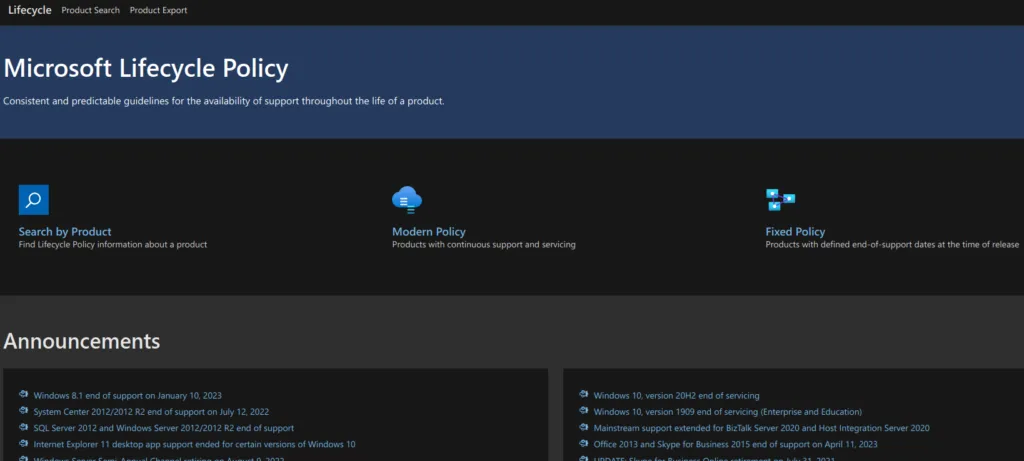
- Microsoft software lifecycle policy home page, including lifecycle policies for Windows and Azure Cloud services: https://docs.microsoft.com/en-us/lifecycle/.
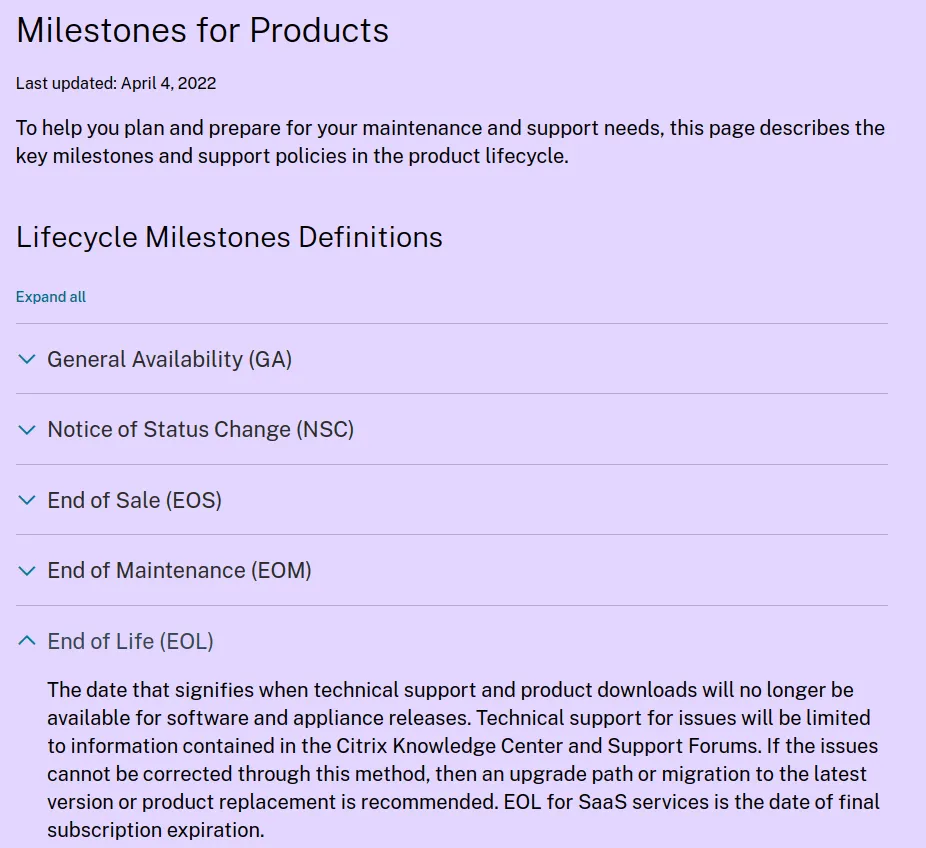
- Citrix product lifecycle support policy: https://www.citrix.com/support/product-lifecycle/.
How to detect and resolve end of life issues in Windows
Section titled “How to detect and resolve end of life issues in Windows”In order to detect and resolve end of life issues in Windows, carry out the following steps.
- Create an inventory of all your Active Directory domain or workgroup computers (including both servers and workstations) by running the following Powershell cmdlet.
Get-AdComputer -filter * -Properties * | Select Name, OperatingSystemVersion | Sort-Object OperatingSystemVersion
-
First check your product’s end of support end of life (EOS, EOL) at https://endoflife.date/windowsserver and at above Microsoft articles.
-
If your product is obsolete, you must first upgrade to a supported version by following a supported upgrade path, as per https://docs.microsoft.com/en-us/windows/deployment/upgrade/windows-10-upgrade-paths.
-
If your product is still supported, use Windows Update or manually download updates from https://www.catalog.update.microsoft.com/Home.aspx to get to the latest version.
Sources
Section titled “Sources”https://docs.microsoft.com/en-us/lifecycle/faq/windows
https://docs.microsoft.com/en-us/windows-server/get-started/windows-server-release-info
https://docs.microsoft.com/en-us/windows/release-health/
https://docs.microsoft.com/en-us/windows-server/get-started/servicing-channels-comparison
https://docs.microsoft.com/en-us/windows/release-health/release-information
4. TRACE-AI Execution Workflow
Section titled “4. TRACE-AI Execution Workflow”- Triage: Review monitoring dashboards or error metrics for initial anomaly spikes or timeout signatures.
- Record Evidence: Export service diagnostic logs, event viewers, or failure traces.
- Analyze: Correlate error signatures against known infrastructure or configuration limits.
- Correlate: Match active incident timeline against recent deployments or scale events.
- Execute & Verify: Apply corrective remediation steps and verify telemetry baseline recovery.
5. Vendor Documentation & Validation Guardrails
Section titled “5. Vendor Documentation & Validation Guardrails”- Authority Reference: Cross-reference configuration changes against official vendor documentation.
- Validation Gate: Require staging environment testing and Human-in-the-Loop SME approval before production changes.