How to download the Azure portal app for Windows
The Azure Portal App for windows is a Web-based application which runs inside a dedicated browser session. It can be downloaded from:
https://portal.azure.com/App/Download
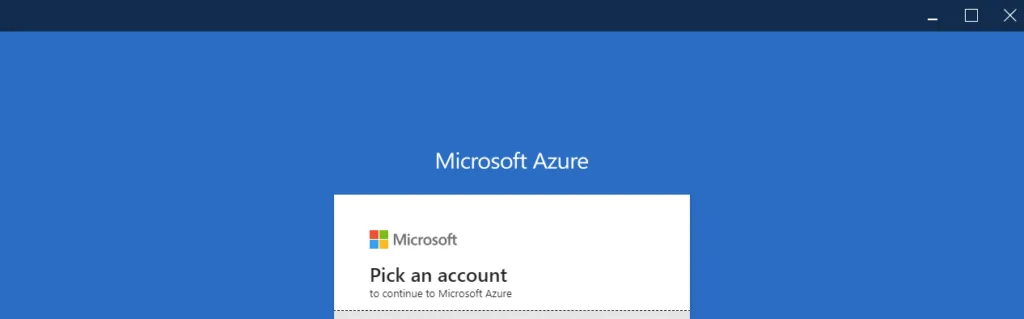
The Azure portal app for Windows has an .exe installer (AzurePortalInstaller.exe). Upon execution of the app, you get the familiar Azure portal logon screen inside the session wrapped in a browser window, as shown below.
4. TRACE-AI Execution Workflow
Section titled “4. TRACE-AI Execution Workflow”- Triage: Review monitoring dashboards or error metrics for initial anomaly spikes or timeout signatures.
- Record Evidence: Export service diagnostic logs, event viewers, or failure traces.
- Analyze: Correlate error signatures against known infrastructure or configuration limits.
- Correlate: Match active incident timeline against recent deployments or scale events.
- Execute & Verify: Apply corrective remediation steps and verify telemetry baseline recovery.
5. Vendor Documentation & Validation Guardrails
Section titled “5. Vendor Documentation & Validation Guardrails”- Authority Reference: Cross-reference configuration changes against official vendor documentation.
- Validation Gate: Require staging environment testing and Human-in-the-Loop SME approval before production changes.