How to create and manage a github repository
A github account ) must first been created in order to gather and maintain your code repos. Every new organization user will need to activate the github account with 2FA (Microsoft/Google authenticator), based on the email invitation received.
In order to work with github from a local machine, the following git tools need to be installed locally:
- Github desktop (https://desktop.github.com/). Users can use any editor to edit source code/scripts, such as Visual Studio Code
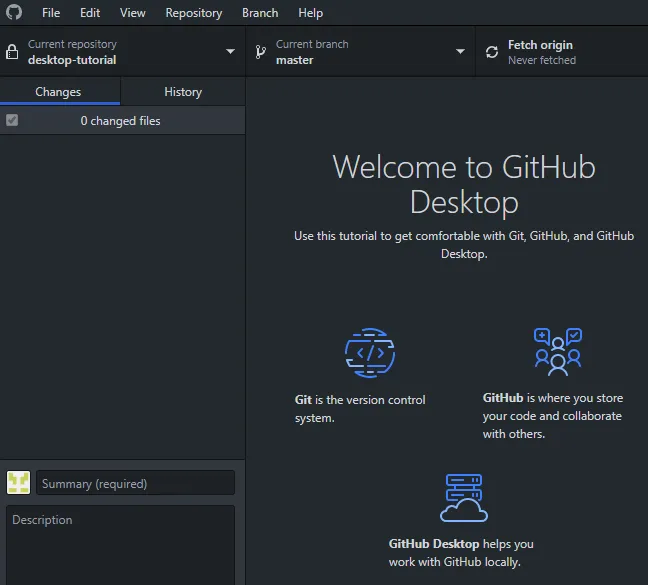
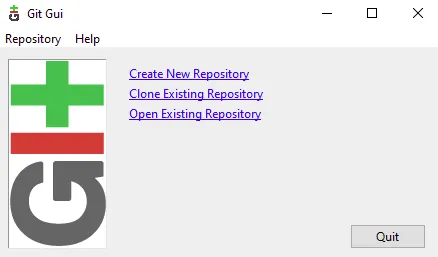
- Git windows client https://git-scm.com/download/win
The following Github intro guide provides instructions on basic operations on Github repositories and projects: https://guides.github.com/activities/hello-world/
4. TRACE-AI Execution Workflow
Section titled “4. TRACE-AI Execution Workflow”- Triage: Review monitoring dashboards or error metrics for initial anomaly spikes or timeout signatures.
- Record Evidence: Export service diagnostic logs, event viewers, or failure traces.
- Analyze: Correlate error signatures against known infrastructure or configuration limits.
- Correlate: Match active incident timeline against recent deployments or scale events.
- Execute & Verify: Apply corrective remediation steps and verify telemetry baseline recovery.
5. Vendor Documentation & Validation Guardrails
Section titled “5. Vendor Documentation & Validation Guardrails”- Authority Reference: Cross-reference configuration changes against official vendor documentation.
- Validation Gate: Require staging environment testing and Human-in-the-Loop SME approval before production changes.