How to create an Office 365 trial tenant for free
You need to create a trial tenant in Office 365 for demo or testing purposes.
Solution
Section titled “Solution”Microsoft provides a 25-seat trial tenant capability on the Office 365 E3 and E5 plans for an 1 month duration, without any obligations and without the use of a credit card.
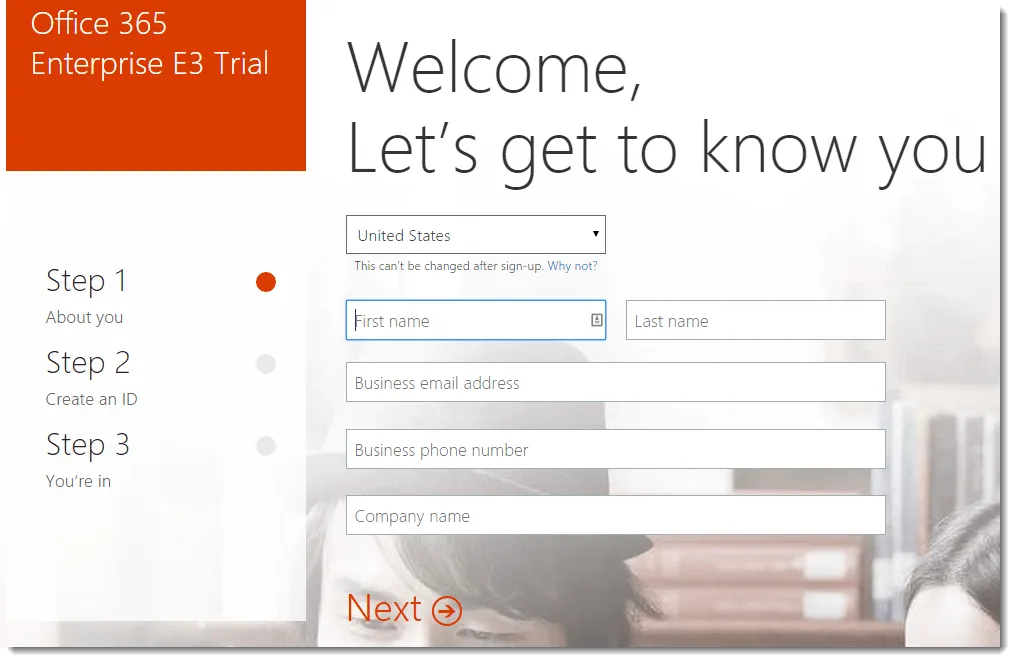
You can initiate a trial tenant creation by using the links below
-
Office 365 E3 trial - https://docs.cloudschool.ai/O365E3
-
Office 365 E5 trial - https://docs.cloudschool.ai/O365E5
Microsoft also provides a quick link to all Microsoft 365 Service Descriptions via relevant comparison matrices at https://www.office365sd.com.
You also have the option to create a free Microsoft 365 Developer account which allows you to utilize a Microsoft 365 E5 subscription for free, on the condition that you utilize the services only for development purposes.
4. TRACE-AI Execution Workflow
Section titled “4. TRACE-AI Execution Workflow”- Triage: Review monitoring dashboards or error metrics for initial anomaly spikes or timeout signatures.
- Record Evidence: Export service diagnostic logs, event viewers, or failure traces.
- Analyze: Correlate error signatures against known infrastructure or configuration limits.
- Correlate: Match active incident timeline against recent deployments or scale events.
- Execute & Verify: Apply corrective remediation steps and verify telemetry baseline recovery.
5. Vendor Documentation & Validation Guardrails
Section titled “5. Vendor Documentation & Validation Guardrails”- Authority Reference: Cross-reference configuration changes against official vendor documentation.
- Validation Gate: Require staging environment testing and Human-in-the-Loop SME approval before production changes.