File server resource manager could not load WMI objects
You try to open the File Server Resource Manager MMC console on Windows Server 2012 or later and you come across the following error
Resolution
Section titled “Resolution”The File Server Resource Manager (FSRM) service is not automatically dependent on the WMI service. Therefore if the WMI service is restarted (e.g. during a Windows Failover Cluster creation) the FSRM service is not restarted automatically. You will need to first restart the FSRM service.

After the above service restart, the FSRM MMC console will be online/available again.
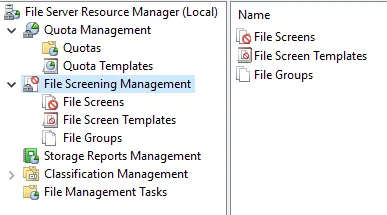
Optionally you can add a resource/service dependency in the server registry to have the FSRM service automatically restarted each time the WMI service is restarted.
References
Section titled “References”4. TRACE-AI Execution Workflow
Section titled “4. TRACE-AI Execution Workflow”- Triage: Review monitoring dashboards or error metrics for initial anomaly spikes or timeout signatures.
- Record Evidence: Export service diagnostic logs, event viewers, or failure traces.
- Analyze: Correlate error signatures against known infrastructure or configuration limits.
- Correlate: Match active incident timeline against recent deployments or scale events.
- Execute & Verify: Apply corrective remediation steps and verify telemetry baseline recovery.
5. Vendor Documentation & Validation Guardrails
Section titled “5. Vendor Documentation & Validation Guardrails”- Authority Reference: Cross-reference configuration changes against official vendor documentation.
- Validation Gate: Require staging environment testing and Human-in-the-Loop SME approval before production changes.